
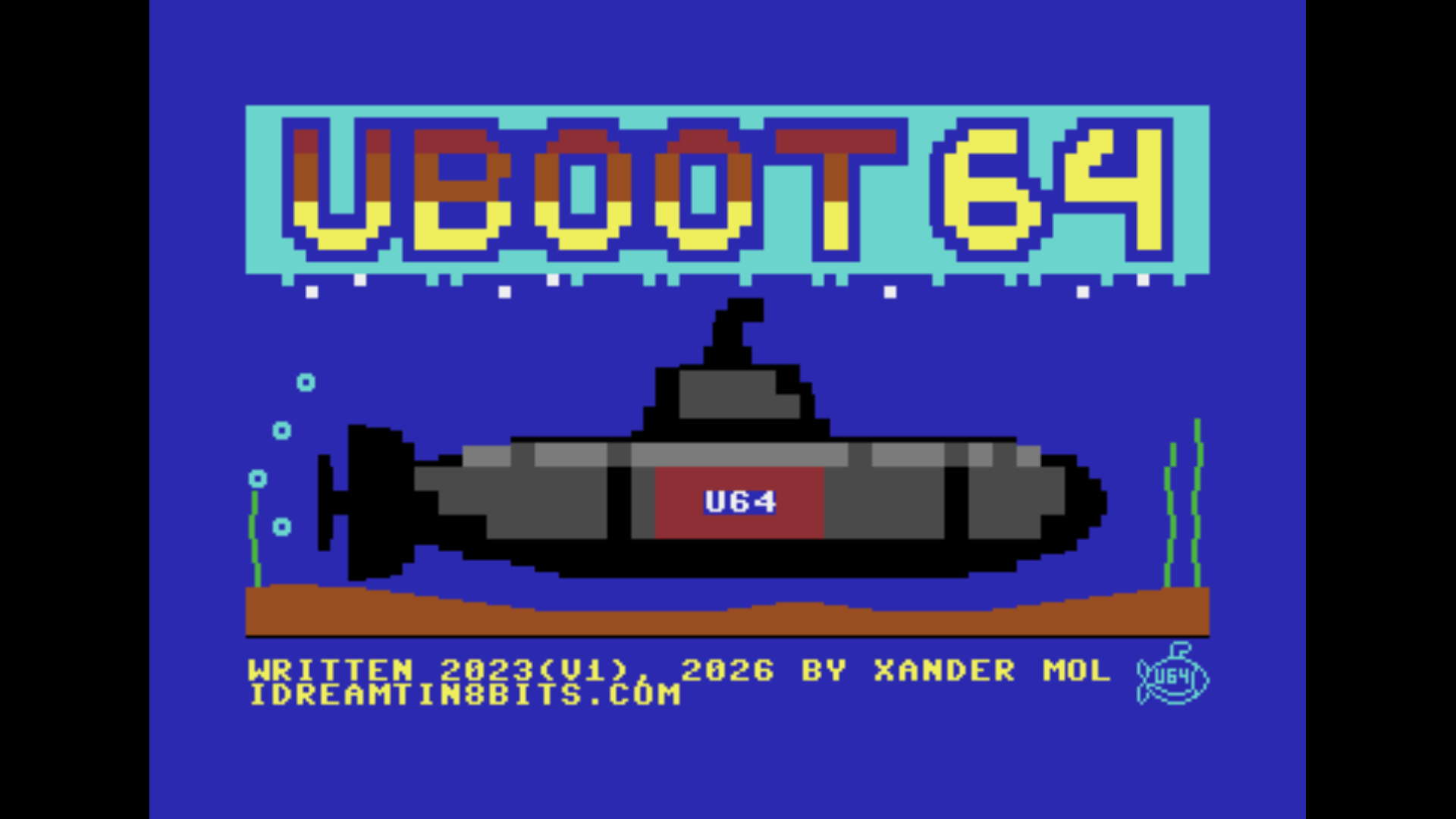
UBoot64 v2 is not an update — it is a complete ground-up rewrite of the C64 Ultimate boot menu, swapping out the original cc65 toolchain for the Oscar64 C compiler by drmortalwombat. That single architectural decision cascades into a significantly more capable program: tighter code, better use of available hardware, and a feature set that the cc65 build simply did not have room for. If v1 was a proof of concept, v2 is the production version.

REU Directory Listings
The most consequential new feature is directory listing storage in REU memory. Previous versions of the file browser were constrained by the C64's 64KB main RAM — with the OS, the program itself, and file system buffers all competing for the same address space, directory entries had to be kept short and the total listing size was tightly capped. In v2, the entire directory listing lives in the RAM Expansion Unit (a minimum of 128KB REU must be enabled in the UII+ cartridge settings).
The payoff is immediate: maximum filename length jumps to 50 characters and maximum pathname length reaches 255 characters. Large USB drives with deeply nested directories and long descriptive filenames are now fully navigable without any workarounds.
Configurable Colour Scheme
The configurable colour scheme is another major v2 addition. Pressing F5 then F6 opens a dedicated colour editor where each UI element — background, foreground, highlights, status text — can be adjusted independently using cursor keys, with the changes reflected live in the background. This is not cosmetic padding: retro hardware often lives on monitors with varying phosphor brightness and contrast characteristics, and being able to tune the palette to your specific CRT makes a real practical difference.
The verbose/silent startup toggle (F5 → F2) further tailors the boot experience: verbose mode shows a detailed status readout while the cartridge initialises, while silent mode shows only a brief splash before presenting the menu.

File Browser
The v2 file browser retains the UCI/IEC dual-mode design from v1 but with the expanded filename and path support baked in throughout. UCI mode browses the UII+ USB filesystem natively, supports entering .D64, .G64, .D71, .G71, and .DNP disk images as pseudo-directories, and records the drive A disk image automatically when you select a program from within a mounted image. IEC mode reads CBM-format directories from physical or SoftIEC bus devices, showing file type labels (PRG, SEQ, DEL, REL, CBM, DIR) alongside each entry.
The directory trace mechanism (key D) records your navigation path from root so the complete path is stored in the slot — without it, IEC mode can only launch programs in the root directory of a drive. Both modes display their status in a sidebar with toggle indicators for UCI/IEC, trace active/inactive, ,1 load, and demo mode.


NTP Synchronisation
As in v1, UBoot64 v2 synchronises the UII+ Real Time Clock from an NTP server at boot. The F5 configuration menu now groups NTP settings (F1 toggle, F3 UTC offset, F5 server hostname) alongside the new startup verbosity toggle and the colour scheme editor — all in one place.
The UTC offset is entered in seconds, allowing precise configuration for any time zone including half-hour offsets. The default server is pool.ntp.org but any hostname or IP address can be substituted.
Upgrading from v1
Upgrading from v1 requires running the included uboot_upd12.prg migration tool before launching v2 for the first time. The slot file format changed between versions — v2 stores longer filenames and paths that do not fit in the v1 structure. The upgrade tool reads the existing DMBSLT.CFG file from USB root, rewrites it in the v2 format, and exits. Skip this step and v2 will detect the old format and refuse to start until the migration is complete.
New installations have no migration requirement: v2 creates fresh configuration files on first boot with an empty menu and sensible defaults. The full source, latest binary, and upgrade tool are all available at https://github.com/xahmol/UBoot64-v2.